Skip to content
  • Blog Home
  • EMC Website

Educational Media Center

Leeward Community College

Tag: workshop

EMC

5 things to help you get ready for Fall 2016

Summer just flew by! Are you ready for fall semester? Here are a five things the EMC can help you with to get ready.

1. Tech It Out Day 2016 starts tomorrow!

tech-it-out-day-banner

Come say hello to all your colleagues and participate in four, quick 30-minute instructional technology sessions. You’ll walk away with valuable tips and tools you can integrate in your classes. We’ll also have a fun bonus session at the end – Pokemon Go @ Leeward. This event is free, including beverages and snacks, and open to the Leeward CC Ohana. Quick, register now!

2. Are your Laulima course sites set up?

laulima-at-leeward-banner

Laulima is the University of Hawaii’s online collaborative learning environment. You can use Laulima to organize class materials, streamline communication with your students (including feedback on assignments and grades), reduce paper use, and increase student engagement for your online and face-to-face classes.

What’s new in Laulima? Find out here.

Quick Tip: Add the “Statistics” tool in your Laulima site before the semester starts to track student activity in your Laulima course site such as students logging in, accessing certain tools, and more.

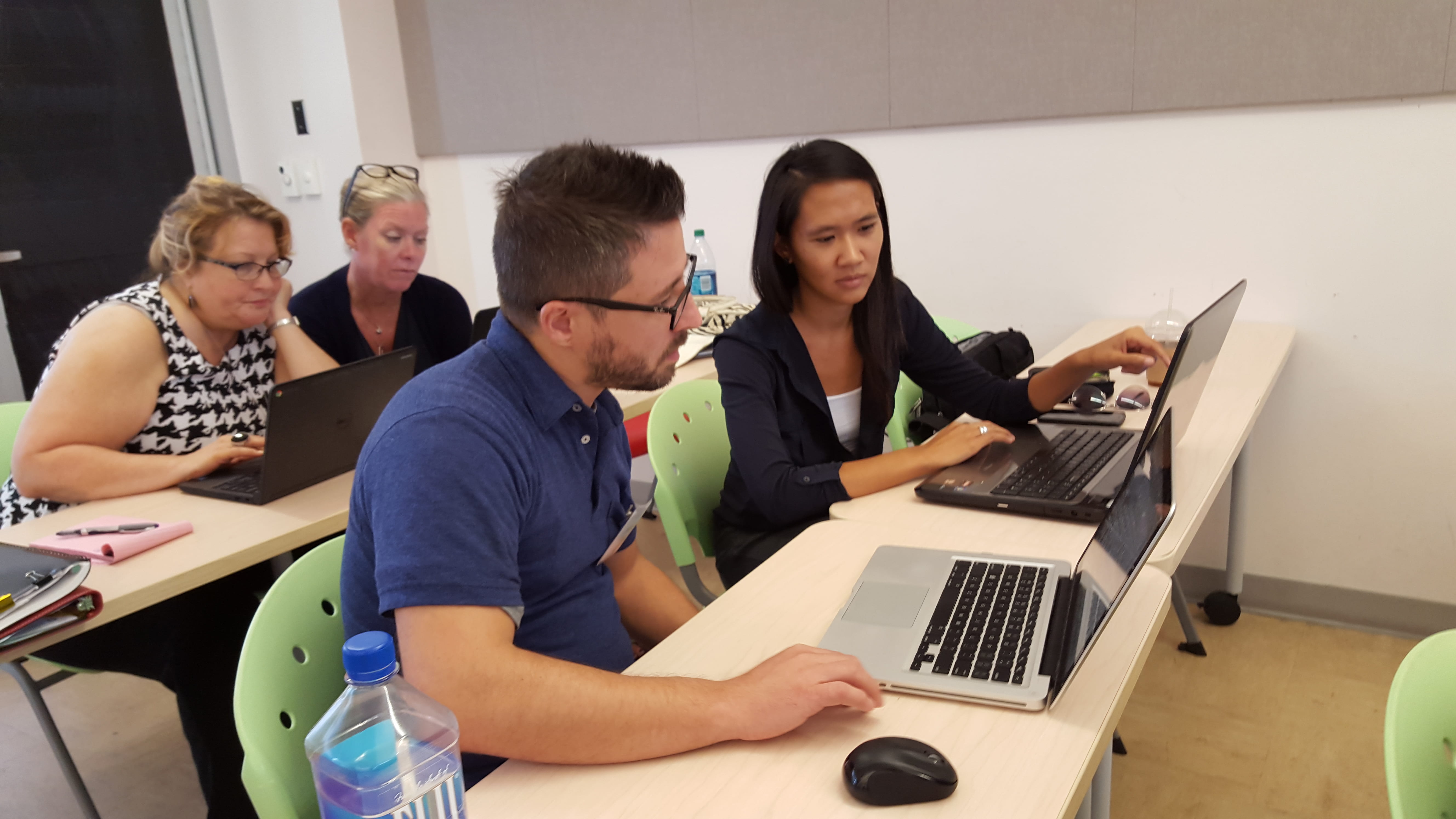
Register for the Laulima Challenge which starts after Tech It Out Day on Tuesday, August 16 at 1:00-2:30 PM, where you’ll work with a partner to learn how to use Laulima’s basic tools so you can set-up your courses for the upcoming semester.

3. Get to know your Smart Classroom
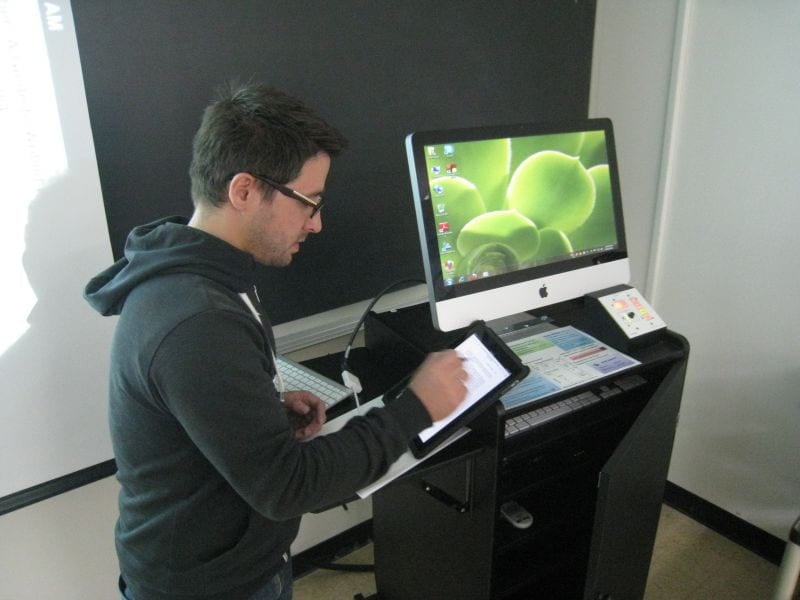
smartclassroom-jeff

Over 60% of Leeward Community College instructional spaces are designated “Smart Classrooms.” These rooms contain the necessary audio, visual, computer and network infrastructure to support 21st century teaching and learning.

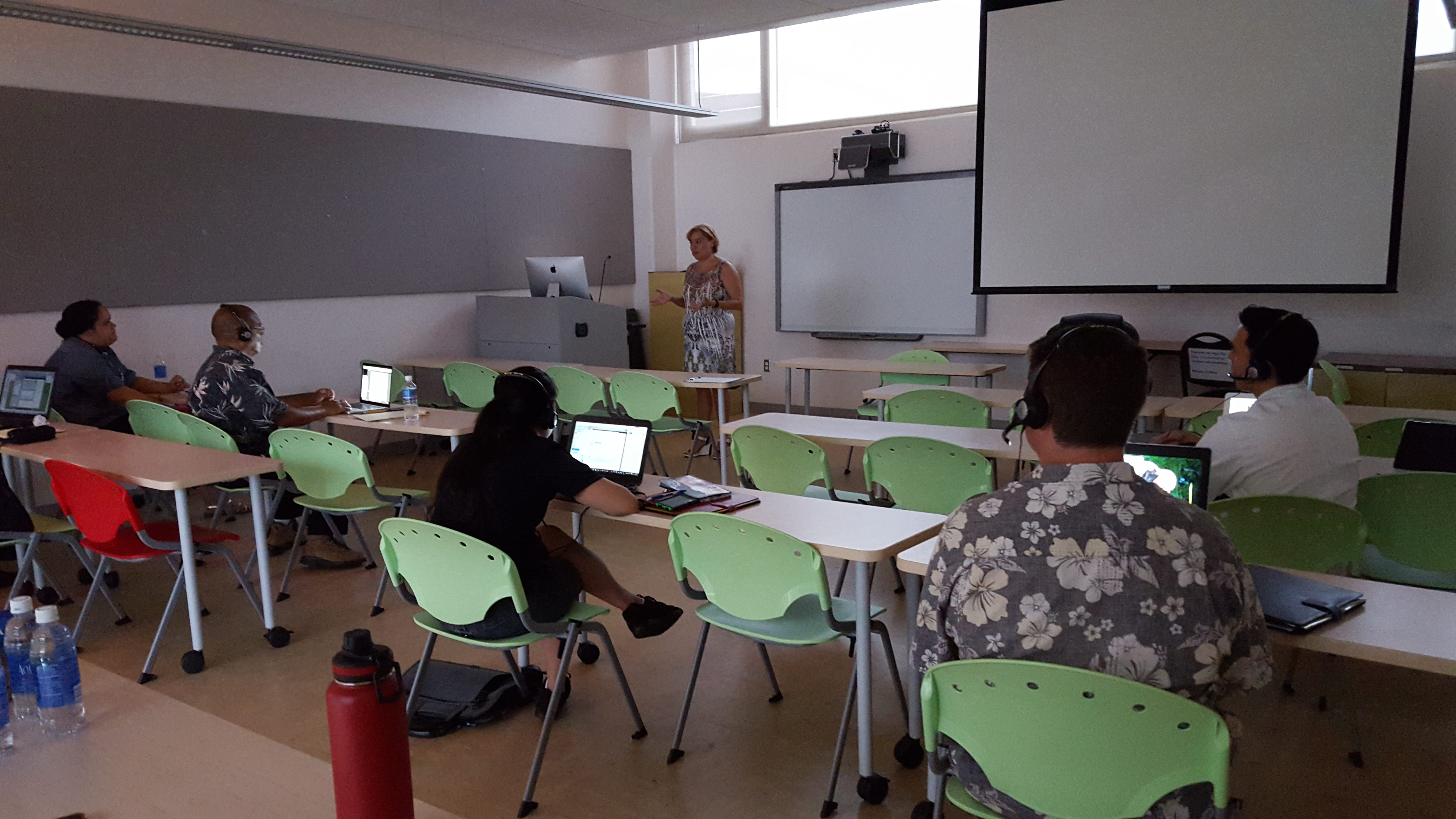
Register for the Smart Classroom Challenge on Wednesday, August 17 at 3:00-4:00 PM, to learn how to operate Smart Classroom technologies to support classroom instruction by working with a partner to create an engaging learning activity for students that uses Smart Classroom technologies.

Will you be teaching in the Education Building? Register for the Smart Classroom Challenge (Ed Building) on Wednesday, August 17 at 4:00-5:00 PM.

4. Give your syllabus a makeover

Creating a course syllabus and making it available to students is an essential responsibility as an instructor. Creating an interactive syllabus activity paired with a visual syllabus can help your students learn about the course requirements in a more meaningful way and get them excited about what they will be learning.

Quick Tip: Here are some required and recommended Leeward CC syllabus blurbs you can copy/paste into your syllabus.

Register for the Syllabus Makeover Challenge on Thursday, August 18 at 8:30-10:00 AM, to get started on creating a syllabus activity and giving your syllabus a “makeover” into a visual syllabus.

5. Make a self-introduction video

self-into-banner

Self-introduction videos can help you attract students to take your course, establish social presence, and build community in your course. Visit our website to make an appointment to have your self-introduction video recorded by our EMC Video Production crew.

Questions?

The friendly folks at the EMC are available to help you enhance your teaching and students’ learning. Contact an Educational Technologist today.
August 12, 2016December 16, 2021by rinake
EMC

2015-2016 Teaching Excellence Program (TEP)

The Educational Media Center (EMC), in collaboration with the Innovative Center for Teaching and Learning (ICTL), has wrapped up the fall semester of the Teaching Excellence Program (TEP). TEP is a year-long program designed to encourage new instructors to think critically about their teaching and to apply effective strategies and practices to maximize student learning.

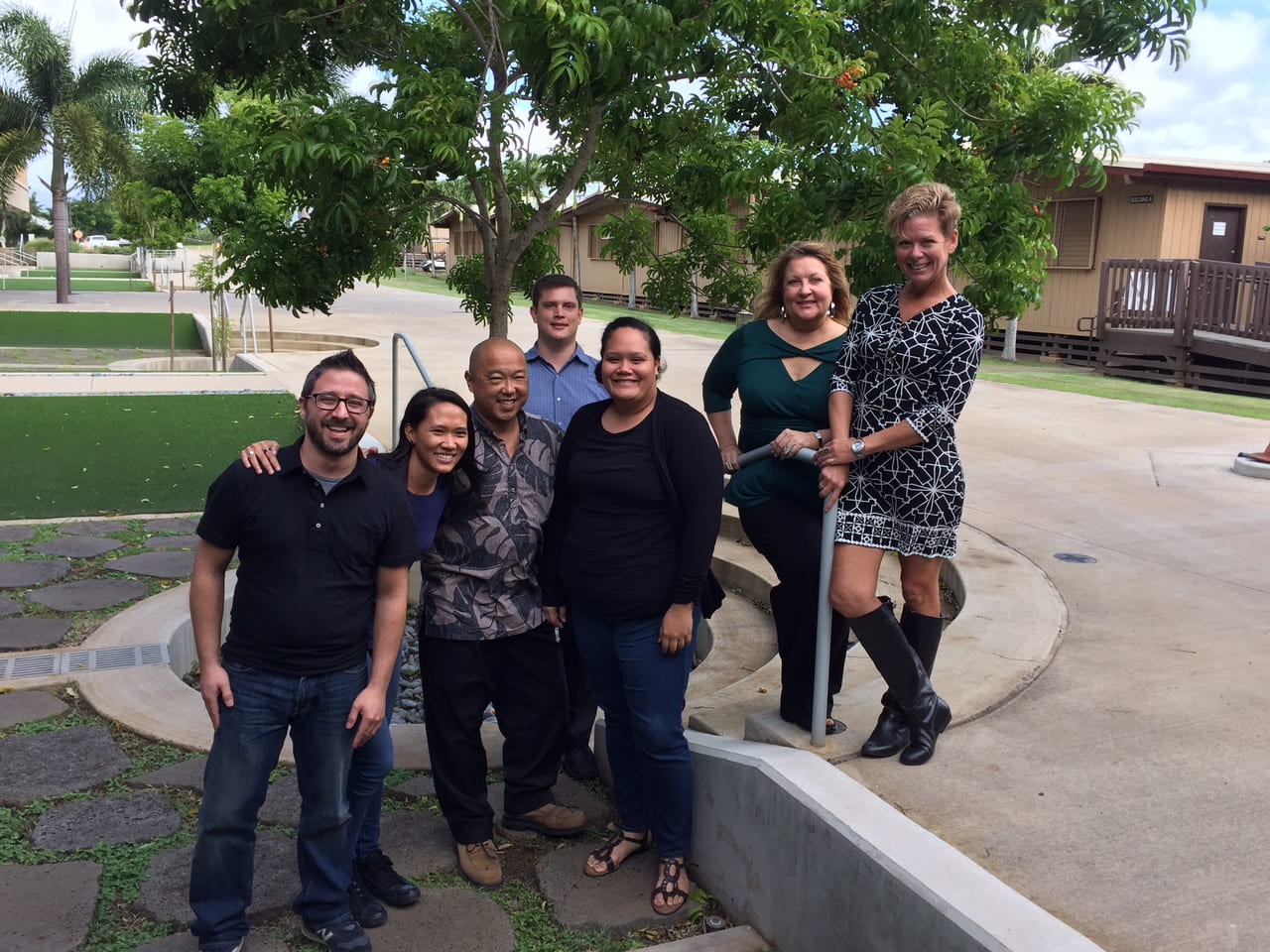
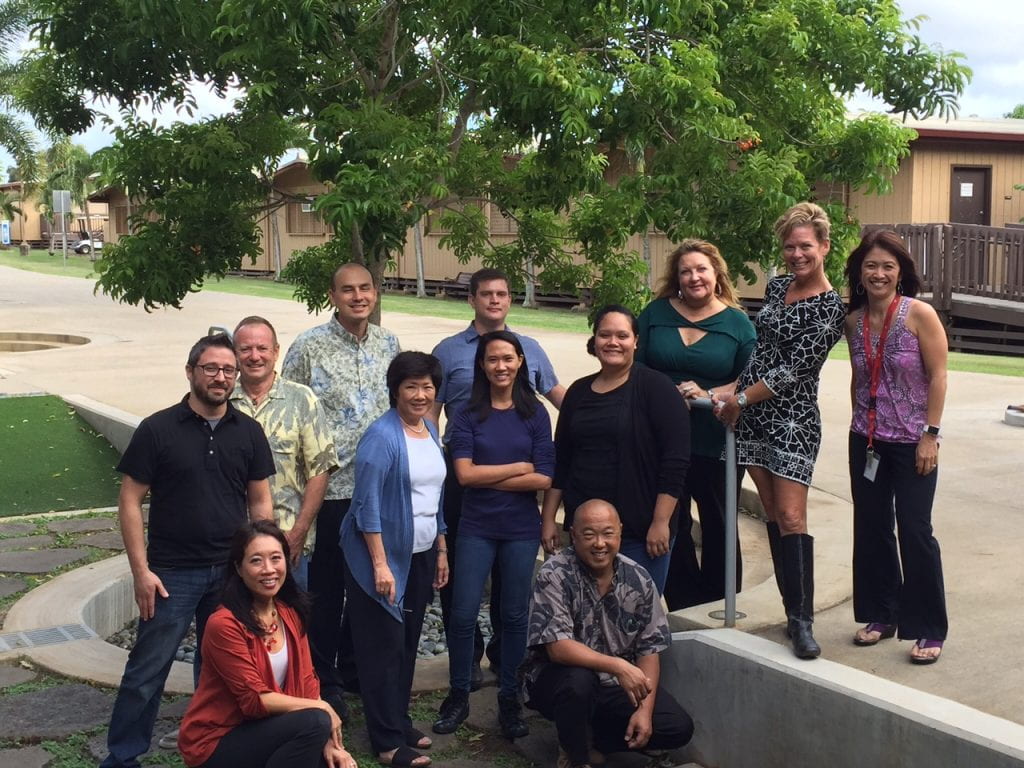
TEP 2015 Group

Topics

  • Ice breakers
  • Increasing student participation and questioning/response techniques
  • Laulima
  • Classroom management techniques and strategies
  • Contract renewal tips
  • Gmail
  • Google Docs
  • Student engagement using technology
  • Open Educational Resources (OER)
  • Learning styles and reaching and teaching millennial students
  • Campus resources (Academic Services and Student Services)
  • Course assessment, rubrics, eCafe
  • Problem Based Learning (PBL)

20150826_151930-tep-blanca-bbcollab

20150902_140513-tep-laulima-challenge

TEP Participants

  • Brian Ichida – Social Sciences Division, Education
  • Jeffrey Breitenfeldt – Language Arts Division, English
  • Jonathan Brown – Math & Sciences Division, Math
  • Kathleen Cashman – Business Division, HIT
  • Keahiahi Long – Academic Services Division, Library, Hawaiian Pacific Resource Librarian
  • Lucille Gilbert – Language Arts Division, Speech
  • Matt Egami – Professional Arts and Technology Division, Culinary
  • Patrice Jackson – Business, HIT
  • Reina Oiri – Math & Sciences Division, Math

IMG_0080

TEP Facilitators

  • Brent Hirata – Academic Services Division, EMC, Educational Technologist
  • Carleen Yokotake – Language Arts Division, Speech
  • Cindy Martin – ICTL Coordinator
  • Greg Walker – Academic Services Division, EMC, Educational Technologist and DE Coordinator
  • Leanne Riseley –  Academic Services Division, EMC, EMC Coordinator
  • Rachael Inake – Academic Services Division, EMC, Educational Technologist

What the TEP Participants Said

I have met so many people in such a short amount a time that would benefit my placement at Leeward CC. I have met people from different departments, divisions, and people with different skills and support services. I felt welcomed by all of them.

TEP helped me improve my teaching by showcasing new technology, faculty and student services, and management skills. Every session was valuable.

The atmosphere of TEP was great! Each session was always different, not just lecture and notes every time. Some sessions were hands-on, others were Q & A or meet and greet, or even discussions. Even the medium changed. Some sessions were face-to-face and some were online through different devices. What a variety of sessions both in content and in type.

The Teaching Excellence Program taught and introduced me to a number of tools and strategies to help me be a better instructor and member of the Leeward CC community. The three lessons that were most impactful to me were those about contract renewal, classroom management skills, and tech tools (e.g. Blackboard and Laulima). I also really appreciated the many opportunities to meet and get to know fellow staff and faculty here at Leeward. As a new instructor, meeting everyone helped me to feel more connected to the College.

20150923_134322_2

December 18, 2015December 14, 2021by rinake
EMC

Highlights from Stop Lecturing and Flip Your Classroom (Fall 2015)

We would like to thank the instructors who participated in our Stop Lecturing and Flip Your Classroom workshop this semester as part of our Flipped Classroom series:

  • Amanda Silliman, English (LA)
  • Christine Walters, Religion (A&H)
  • Eric Pang, Automotive (PAT)
  • Jeremiah Boydstun, English (LA)
  • Kazuko Nakamitsu, Japanese (LA)
  • Michele Mahi, Speech (LA)
  • Naiad Wong, History (A&H)

We also wanted to take this opportunity to share some highlights from the workshop. We realize that as you reflect on your course experience this semester and prepare for the coming spring semester you might be intrigued by the idea of flipping an activity or two in your classroom.

“Flipped Learning is a pedagogical approach in which direct instruction moves from the group learning space to the individual learning space, and the resulting group space is transformed into a dynamic, interactive learning environment where the educator guides students as they apply concepts and engage creatively in the subject matter” (The Flipped Learning Network).

Benefits of flipping the classroom:

  • To increase student understanding of the content prior to coming to class so that class time can be better utilized for interacting and connecting with each other, practicing, and applying knowledge and skills for deeper and more meaningful learning.
  • To allow students to take ownership of their learning and become self-directed learners.
  • To differentiate instruction because students learn at different paces and in different ways.
  • To increase student support in class. Instructors can provide one-on-one help to students. Students can help one another.
  • To create a dynamic, engaging, and interactive learning environment.
  • To allow more “real world” learning experiences.

Workshop topics:

  • What is the flipped classroom and flipped learning?
  • How to create a flipped classroom
  • Curate or create content?

We designed and facilitated the workshop series like a flipped classroom, utilizing and modeling best practices, strategies, and a variety of methods and activities, to give our participants (and ourselves) an authentic flipped learning experience. We also had two weeks of (optional) hands-on workshops specifically for how to use several tools for flipped learning, such as Educanon and Google Forms/Sheets with Flubaroo, to help participants curate and create materials for their flipped lessons and activities.

Participants engaged in their learning before coming to class, and class time was used for applying learning through interactive group activities, discussions, sharing, and giving each other feedback, to ultimately create their own flipped learning lessons and activities. We as facilitators, did our best to provide not only learning materials, but a learning experience for our participants as we guided/supported them through the process. We’ve found that the best learning happened through the experience we had together. Also, it was exciting to see the participants (who teach different subjects), connect with each other and help each other. As one participant said, “I benefited from networking with other faculty on campus and the assistance I received with technology from Rachael and Brent.”

Another participant shared, “I’m going to completely revamp my courses thanks to this eight-week workshop, and I know that with the knowledge and tools made available to me that I will benefit greatly as an instructor and my students will be more engaged and invested in their learning. I’m excited to begin this new chapter of teaching.” We look forward to seeing what our participants have created for their classes and to share what they’ve created and implemented in a future blog post.

Rachael & Brent

November 18, 2015December 14, 2021by bhirata

Posts pagination

1 2

Search

Recent Posts

  • Designing for Quality: How the Lamakū Course Starter PLC Has Evolved
  • Adventures in Canva Teams 
  • Lamakū – Intelligent Agents
  • Leeward Lamakū Weekly Tips (Fall 2025)
  • Capturing “My Monumental Summer”: Behind the Scenes With the EMC Video Production Unit

Categories

Recent Comments

  • rinake on Cross-Listed Courses in Laulima
  • Merissa Bunton, Ed. D. on Cross-Listed Courses in Laulima
  • bhirata on An Instructor Preview of Leeward Online Learning Orientation for Students

Archives

Accessibility

UH Accessibility Statement

Proudly powered by WordPress | Theme: Sin by vsFish.
Skip to toolbar
  • About WordPress
    • Get Involved
    • About Edublogs
    • Learn WordPress
    • Edublogs.org
    • Documentation
    • Contact
  • Log In